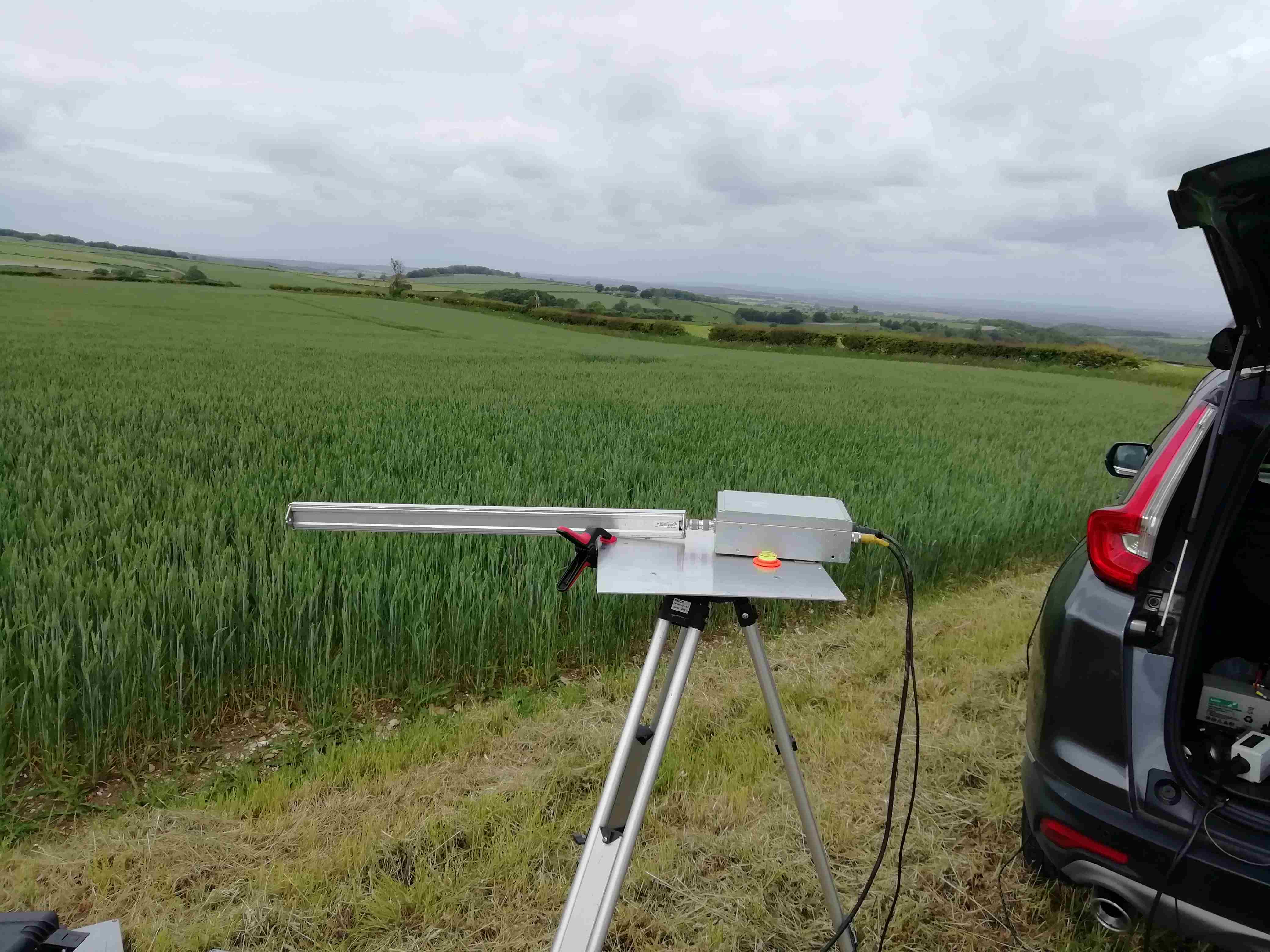
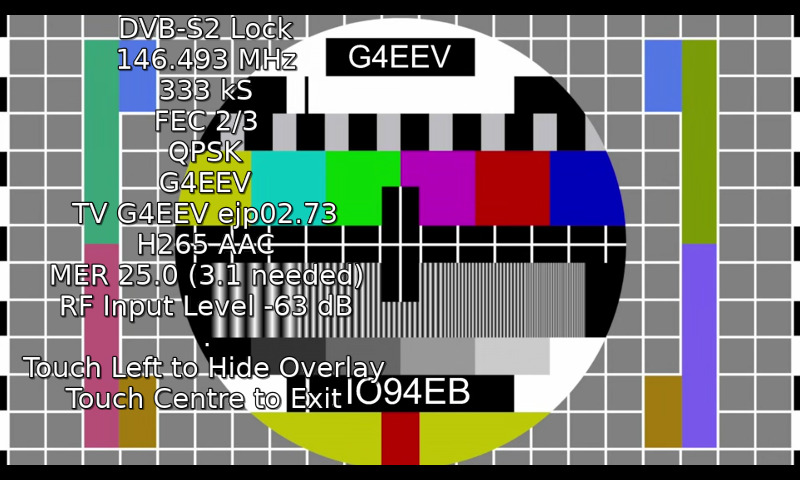
Last Friday I went with WA5TKU and AA5C to the TWU dormitory roof to maintain the W5HN beacons on 902 and 1296MHz. THe frequency and power had not been set/measured in a couple of years so the visit was overdue.
The 902.370MHz beacon was still producing 10W and was within 200Hz of its nominal frequency, not bad for an unovened crystal. The 1296.370MHz beacon was down at 1296,349MHz and had low power output. 2mW in fact, 30dB down on nominal. I tuned up the oscillator chain and got 2watts back, but it went again. The decision was made to remove the beacons and take them home for maintenance on test gear. While there AA5C removed his old microwave beacon package
The 902/1296 beacon was taken to Bobs, WA5YWC, as he was the closest available spectrum analyser. Investigation revealed that one of the airwound coils had moved and broken the connecting PCB track. Resoldering it produced a stable 3W. Both beacons were left at Bobs on soak test over the weekend.
On Monday morning the power was still the same, just needed to set the receiver. The beacon was taken to W5LUA's shack as he has receivers on both bands. Just in case the 1296 beacon's crystal was bad I dropped by the storage unit and retrieved the spare crystal. Installing the crystal we got back to 1296.380MHz (the original frequency from 2000) and the FSK was still good. The 902 beacon was moved to the matching 902.380MHz frequency
On wednesday Wes and I returned to the site and reinstalled the beacons, We also commisioned the Z3801 GPS locked reference which will be used as part of the upcoming 50MHz 6m beacon. We also investigated methods to integrate a 1W 10GHz amplifier into the 2/3/5/10GHz roof mounted beacon package
G4FRE.COM
Amateur Radio
Thursday, May 23, 2013
Sunday, May 19, 2013
Working G100RSGB by 5760MHz EME

At the Martlesham Round Table it was announced that GB100RSGB would be activated over the weekend of May 18/19 on 5760MHz EME to coincide with the DUBUS 6cm EME contest. It would be nice to work the call, but now my USA EME station is dismantled it would be impossible. I mentioned the activity to K5GW and asked if I could operate his station to work them, Sure was the response, and if you want to operate the contest, as I don't do it, you can see what else you can work.
Arriving at the site at 1400 local on the Saturday, the equipment was quickly activated. The station runs 125W to a 6.9m dish. The TWT is located at the feedpoint so feeder loss is not an issue. No immediate sign of G100RSGB but CQ calls produced a pileup. GB100RSGB was worked at 1018z .A little later I was called by G4CCH which was a suprise as I did not know he was QRV on the band. G3LTF was the third English station worked. Activity went quiet at 2300z (1800 local) so the opportunity was taken to work on the Doppler tracking software for my KX3 while waiting for the VK/JA window to open. At around 0500z (0000 local) three JA stations were work before the moon set. I got back home at 0300 local, having worked a total of 22 stations, all of them on CW. The only getaway was LX1DB.
.
Monday, May 6, 2013
Ubuntu on the Beaglebone Black (2)
Next I searched for a desktop. I spent 6 hours installing gnome-desktop. Upon reboot it showed promise, by showing a desktop screen but ignored the mouse and keyboard. So I rebooted and after the 3rd time I managed to get the mouse and keyboard working. I managed to add a new document to the desktop, but after much searching and experimentation I could not add any apps to the desktop, even they were on the machine.
Knowing that 13.04 was experimental, i decided to install 12.10 again http://elinux.org/BeagleBoardUbuntu#Quantal_12.10_armhf This took a while, as usual. I then installed ubuntu-desktop and this showed the same results as installing it under 13.04
So I made another card with 12.10 http://elinux.org/BeagleBoardUbuntu#Quantal_12.10_armhf and then searched for another desktop. I found one at http://elinux.org/BeagleBoardUbuntu the lxde desktop. /bin/bash /boot/uboot/tools/ubuntu/minimal_lxde_desktop.sh took the whole of the Anaheim v Detroit hockey NHL game to install. It did however end up with a desktop with mouse and keyboard. I installed wspr without incident, but the big issue was that the screen flickered any time the cpu had to do something AND the cpu usage hit 100% and stayed there. Obviously more work to do!
Knowing that 13.04 was experimental, i decided to install 12.10 again http://elinux.org/BeagleBoardUbuntu#Quantal_12.10_armhf This took a while, as usual. I then installed ubuntu-desktop and this showed the same results as installing it under 13.04
So I made another card with 12.10 http://elinux.org/BeagleBoardUbuntu#Quantal_12.10_armhf and then searched for another desktop. I found one at http://elinux.org/BeagleBoardUbuntu the lxde desktop. /bin/bash /boot/uboot/tools/ubuntu/minimal_lxde_desktop.sh took the whole of the Anaheim v Detroit hockey NHL game to install. It did however end up with a desktop with mouse and keyboard. I installed wspr without incident, but the big issue was that the screen flickered any time the cpu had to do something AND the cpu usage hit 100% and stayed there. Obviously more work to do!
Saturday, May 4, 2013
Ubuntu on the Beaglebone Black (1)
After spending the afternoon over in Fort Worth doing a presentation on the 1.3GHz UK Activity Contest to NTMS, this evening was spent installing Ubuntu on the BBB
Initially I tried the procedure using a prebuilt image at http://www.armhf.com/index.php/boards/beaglebone-black/ and eventually, after solving some issues due to priveleges I got a USDHC card produced. Unfortunately, after powering up the BBB with the reset button near the uSDHC pressed as instructed and waiting, it produced lots of flashing blue lights but no video output. Time to try something else.
Next I searched for any other prebuilt images and came across http://elinux.org/BeagleBoardUbuntu#Raring_13.04_armhf (a later version of Ubuntu) I followed the instructions on my ubuntu laptop which did not need any corrections and built an uSDHC card
Booting the BBB with the reset button pressed it was reassuring to see a penguin appearing on the screen and a demand for login and password
Flushed with success, I decided to try and install WSPR. I used the process of the previous WSPR http://g4fre.blogspot.com/2013/01/wspr-on-rpilapdock-under-raspian.html blog. However all commands had to be typed in letter by letter, as, not having a desktop or browser I couldnt go to this blog and cut and paste!) It built way faster than it ever did on the RPI.
Launching WSPR it complained as usual about having no display to export to, so the next step is to install a desktop, find a sound card (and a browser!)
Initially I tried the procedure using a prebuilt image at http://www.armhf.com/index.php/boards/beaglebone-black/ and eventually, after solving some issues due to priveleges I got a USDHC card produced. Unfortunately, after powering up the BBB with the reset button near the uSDHC pressed as instructed and waiting, it produced lots of flashing blue lights but no video output. Time to try something else.
Next I searched for any other prebuilt images and came across http://elinux.org/BeagleBoardUbuntu#Raring_13.04_armhf (a later version of Ubuntu) I followed the instructions on my ubuntu laptop which did not need any corrections and built an uSDHC card
Booting the BBB with the reset button pressed it was reassuring to see a penguin appearing on the screen and a demand for login and password
Flushed with success, I decided to try and install WSPR. I used the process of the previous WSPR http://g4fre.blogspot.com/2013/01/wspr-on-rpilapdock-under-raspian.html blog. However all commands had to be typed in letter by letter, as, not having a desktop or browser I couldnt go to this blog and cut and paste!) It built way faster than it ever did on the RPI.
Launching WSPR it complained as usual about having no display to export to, so the next step is to install a desktop, find a sound card (and a browser!)
Labels:
Beaglebone Black,
Ubuntu,
Ubuntu 13.04,
WSPR
Visit to Mouser Electronics
Went online, exchange with there online help who said "will call" wasnt an issue, just choose that box when choosing shipping method. I choose the components needed then got to shipping page. No "will call" box. Had to resort to calling the ordering line and a helpful lady said you need to put will call and a time in the special instructions box, even though it warns putting anything there could delay the order processing. You still have to choose a carrier for delivery , even though you wont be using one, to get to the next page and complete the order!. She stayed online till the order was placed then intercepted it and changed it to will call; not an efficient process.
Drove to Mansfield, TX which took an hour. GPS said I was there and I suspected the big concrete building was Mouser but found no signange. Went to the reception (still no sign) who said willcall was round the back near the fedex trucks. The order was there, waiting and while there I got a paper catalogue. On the way out I found THE sign, the only one on site, at the intersection outside. All the entrances just say "No Trucks"
As WA5VJB was on my route home I had lunch at the Mongolian BBQ with him, returning just in time to beat the Friday afternoon rush hour
Labels:
Mouser Electronics
Thursday, May 2, 2013
Beaglebone black is here
As promised, I got an email from Mouser on May 1 saying the Beaglebone black board had been despatched. It arrived may 2 and looks nicely made, apart from the (yellow) RT1 component standing 12mm off the board with the resultant risk of shorting out on the ethernet connector
Following the instructions at http://beagleboard.org/Getting%20Started I updated the software. Its slightly different from the rpi. You put an image on the microsdhc card, plug it into the BBB, reboot it and it installs it onto the BBB (40 minutes). You remove the card, reboot and off you go. You dont need the card inserted to run the OS. It all came up nicely with the mouse and keyboard on the powered USB hub but connecting to the internet via the WNCE2001 access point or the wifi dongle from the RPI did not succeed after many attempts
Good job I had got all the previous experience editing /etc/Network/interfaces as I needed to edit eth0 to be dhcp. I needed that as clicking the box and the top right of the desktop that looks like an ethernet connector, and checking the two ethernet ports (one for usb and one for the rj45) said they were already dhcp, but the ifconfig did not agree
Having connected to the internet I expected that like the RPI it would ntp to set the clock. NO it does not but i found at http://cwraig.id.au/?p=513 the way to set it up. I need to automate the process as it needs to be done every restart
I have noticed there is a UBUNTU image for the BBB which I want to have a try with as I have had more experience with that than the supplied BBB OS
Following the instructions at http://beagleboard.org/Getting%20Started I updated the software. Its slightly different from the rpi. You put an image on the microsdhc card, plug it into the BBB, reboot it and it installs it onto the BBB (40 minutes). You remove the card, reboot and off you go. You dont need the card inserted to run the OS. It all came up nicely with the mouse and keyboard on the powered USB hub but connecting to the internet via the WNCE2001 access point or the wifi dongle from the RPI did not succeed after many attempts
Good job I had got all the previous experience editing /etc/Network/interfaces as I needed to edit eth0 to be dhcp. I needed that as clicking the box and the top right of the desktop that looks like an ethernet connector, and checking the two ethernet ports (one for usb and one for the rj45) said they were already dhcp, but the ifconfig did not agree
Having connected to the internet I expected that like the RPI it would ntp to set the clock. NO it does not but i found at http://cwraig.id.au/?p=513 the way to set it up. I need to automate the process as it needs to be done every restart
I have noticed there is a UBUNTU image for the BBB which I want to have a try with as I have had more experience with that than the supplied BBB OS
Labels:
Beaglebone Black
Saturday, April 27, 2013
Beaglebone Black
Having tried using the Raspberry Pi for digital mode decoding and realised that lack of speed was an issue, I started looking at the beaglebone board that I was looking at for another application. Unfortunately it's biggest drawback for me was that it does not have a video output.
I was very interested to discover that there is an upcoming Beaglebone Black board which has many extra features that the beaglebone board does not have. It has :-
Searching around the distributors I found none had them in stock but Mouser supposedly had some coming in may 2 so one was ordered
I was very interested to discover that there is an upcoming Beaglebone Black board which has many extra features that the beaglebone board does not have. It has :-
- USB client for power & debug
- USB host
- 512MB SDRAM
- 2GB Flash memory (which can contain the OS)
- Ethernet
- HDMI video & audio
- 2x 46 pin headers
- serial port (rather than via USB)
- user definableLEDS
Searching around the distributors I found none had them in stock but Mouser supposedly had some coming in may 2 so one was ordered
Labels:
Beaglebone Black
Subscribe to:
Posts (Atom)